
Can AI Read Your Menu? Making Restaurant PDFs Discoverable
Point a phone camera at most restaurant menus today and some AI tool will happily read it back to you: dish names, prices, maybe even a guess at what's in the mole sauce. That's the easy part. The harder question is what happens before the camera ever comes out, when a diner's AI assistant is trying to find your restaurant, check your dishes against a dietary need, or answer "does this place do vegan starters" without a human ever opening the menu at all.
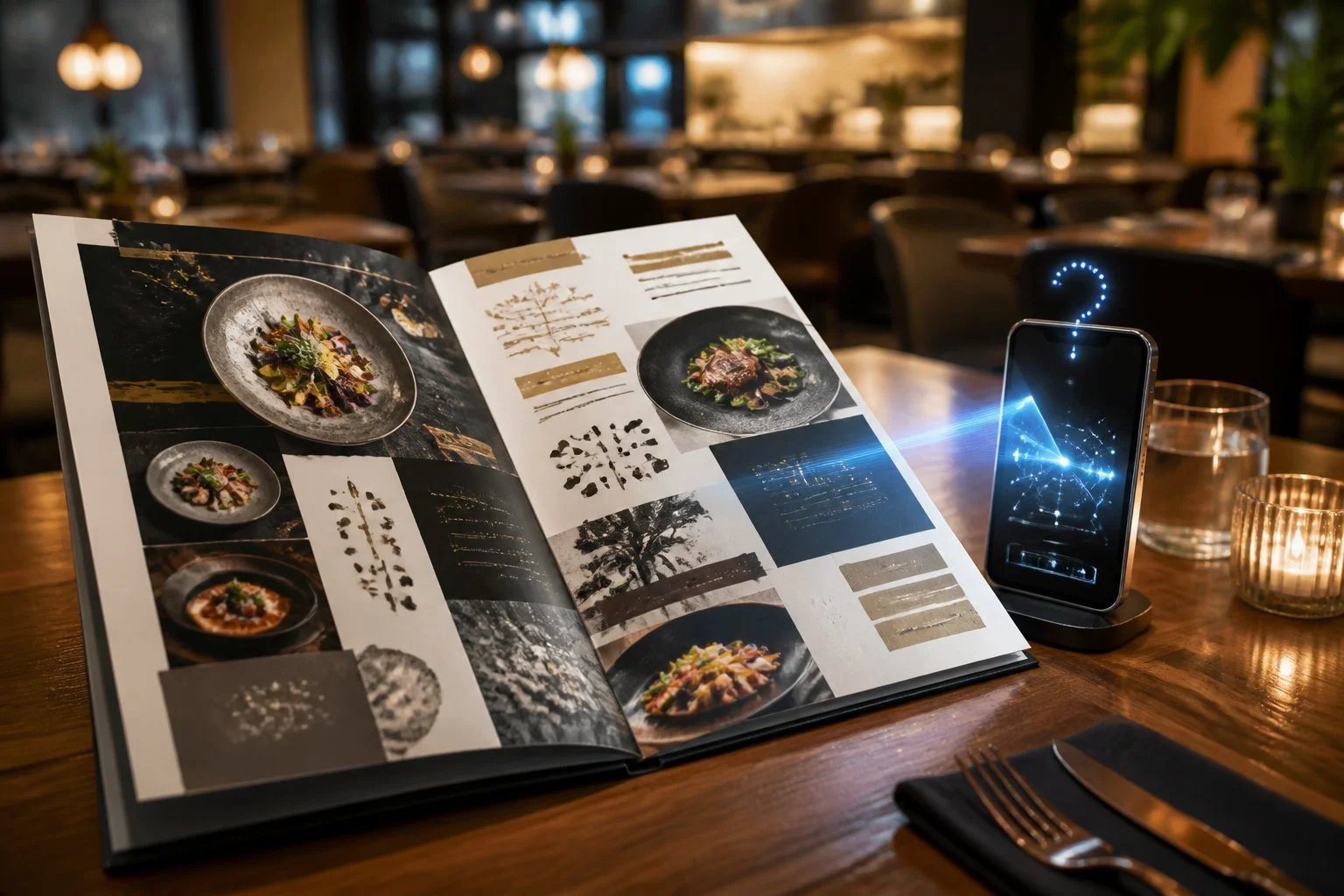
For thousands of independent restaurants, the menu that diners see in person and the menu that AI systems can actually parse are two very different documents. A PDF that looks perfect on a laptop can be a dead end for search engines, AI assistants, and menu-scanning apps, even though nothing about it looks broken to a human. That gap is fixable, usually without redesigning a single dish description, but almost nobody is fixing it.
Why PDF Menus Fail Machine Reading
PDFs preserve layout, not meaning, and that single fact explains most of the trouble. A PDF menu can look flawless to a diner and still be unreadable to the software trying to extract dish names, prices, and descriptions from it, because a PDF is built to display, not to be parsed. Whether optical character recognition (OCR) or computer vision can make sense of that file depends on how it was built in the first place.
A Text PDF Is Not the Same as a Scanned Image
Some PDFs contain real, selectable text; others are just a photograph of a page saved in PDF form. The second type is invisible to most menu scanning tools unless they run OCR on it first, and even then results are patchy. Try highlighting the text in your own menu file: if the cursor can't select individual words, a machine is going to struggle just as much.
How Decorative Layouts, Fonts, and File Weight Create Errors
Multi-column layouts, script fonts, and background textures scramble text extraction badly. A dish sitting in a two-column layout next to a wine list often gets read out of order, prices attach to the wrong dish, and elaborate fonts get misread as gibberish. Heavy image-based files also slow down or block crawlers entirely, so a beautifully designed 40MB menu can be a bigger problem than an ugly one at 400KB.
Why a Menu Link Is Not Always Accessible to AI Systems
A QR code linking to a PDF still leads to a dead end for many AI systems, even though the page loads instantly for a person. If the underlying document is one giant image or blocked from crawling, the link itself becomes irrelevant. This is one of the top SEO mistakes restaurant websites make, and it is worth checking the same way you'd check the QR menuon every table.
A Photo Can Be Read, but a Recipe Cannot Be Confirmed
Consumer AI menu tools have gotten genuinely useful at reading a photo of a menu, but reading words is not the same as knowing what's actually in the dish. Apps such as Menu Buddy use OCR and computer vision to scan a photo taken on the spot, then layer language models and food knowledge on top to answer questions about it. That's a real leap forward for a diner standing at the table with an iOS app open, wondering what "hunter's chicken" involves. It's still an inference, not a confirmation from the kitchen.
What AI Menu Assistants Can Infer From Dish Names
Dish names carry a lot of signal, and AI tools use it well. "Katsu curry" strongly implies breaded chicken or pork, a curry sauce, and rice; "shakshuka" implies eggs, tomato, and peppers. These inferences are usually right, but they're pattern matches against thousands of similar dishes elsewhere, not a read of your specific recipe.
Why Ingredient Databases Miss Independent Restaurants
Generic ingredient databases know packaged foods and chain-restaurant standard items; they don't know your restaurant. An independent kitchen making its own stock, its own spice blend, or its own substitution for a regular customer sits completely outside that data. This is exactly the gap menu-scanning apps exist to narrow, by reading your actual published menu rather than assuming a chain-standard recipe.
How Personalised Recommendations Use a Dietary Profile
A diner can set up a dietary profile once (vegan, low-carb, nut-free) and have it checked against every dish scanned afterwards. The tool flags likely matches and likely conflicts based on the dish name and description text it can extract. Accuracy depends entirely on how much real information the restaurant published for the tool to work from.
What Diners Lose When Menu Data Is Unclear
Vague menu data forces diners into guesswork on exactly the questions where guessing is riskiest: allergies, religious and lifestyle diets, and nutrition. When a menu description says "chicken curry" with nothing else, an AI assistant can guess at dairy or nuts, but it can't confirm them, and that uncertainty gets passed straight to the customer.
Dietary Filters Need More Than a Vegan or Gluten-Free Label
A single badge on a dish doesn't tell an AI system, or a diner, what's really excluded. "Vegan" and "gluten-free" labels are a starting point, but halal certification, cross-contamination risk, and shared fryers all sit outside a simple tag. Clear, specific wording on the menu itself (which oil, which stock, whether the fryer is shared) is what actually lets a filter work.
Nutrition Estimates Cannot Replace Accurate Portion Information
Calories, protein, and fat figures generated from a dish name are estimates built on typical portion sizes elsewhere, not your kitchen's plate. Someone doing serious macro tracking for keto, weight loss, or muscle gain needs numbers grounded in your actual serving size, not an industry average. Publishing even rough per-dish nutrition figures closes that gap far better than leaving AI to estimate blind.
Allergen Warnings Must Account for Kitchen Reality
An AI tool reading your menu text can only flag what the text mentions, not what happens on the pass. Food allergies are a matter of shared equipment, shared fryers, and prep surfaces as much as ingredient lists, and no scanning app can see into your kitchen. Written allergen notes and a clear "ask a member of staff" line remain essential alongside anything AI-generated.
How to Make Your Menu Easier for AI to Understand
Publishing a plain-text version of your menu alongside the designed PDF fixes most of the discoverability problem in one move. Keep the artistic PDF for the table, but make sure every dish name, description, price, and modifier also exists as ordinary web page text that a cursor can highlight.
Publish a Searchable Web Menu Alongside the PDF
A simple HTML menu page, even a plain one without fancy styling, gives search engines and AI assistants a version they can actually parse. This is the single highest-leverage fix available, and it costs a fraction of what a full website rebuild would. Several restaurants have found their website traffic drop simply because visitors can't find the menu at all, which an HTML page solves at the same time.
Write Consistent Dish Names, Descriptions, and Modifiers
Use the same dish name everywhere it appears (menu, website, delivery apps) and describe modifiers explicitly: "add chicken," "swap for oat milk," "no nuts on request." Consistency lets AI systems match the same dish across platforms instead of treating each version as a different item.
Separate Confirmed Ingredients From Assumptions
Mark clearly which claims are kitchen-confirmed and which are general descriptions. A line such as "contains dairy; ask staff about nut traces" reads very differently to both diners and AI tools than a bare dish name with no notes at all.
Keep Dietary and Nutrition Details Current
Outdated menu data is worse than none, because an AI system will repeat it with total confidence. When a recipe changes, update the web menu the same day, not "eventually," so calories, protein, fat, and allergen notes stay accurate.
Clear Menu Data Helps People Choose With Confidence
Clear, current menu data turns dining out from a guessing game into a straightforward decision. A diner managing food allergies, tracking macros, or simply choosing between two restaurants nearby is better served by a menu that states its facts plainly than by one that looks pretty and says very little. Independent restaurants that publish specific, up-to-date dish information make themselves easier to find, easier to trust, and easier to recommend, for humans and AI systems alike.
Frequently Asked Questions
Can AI read a restaurant menu from a PDF?
Sometimes, but not reliably. A text-based PDF with simple layout can often be read, while a scanned or image-heavy PDF frequently reads as blank or garbled to OCR tools, and multi-column designs regularly scramble dish order and pricing.
Why does AI struggle with scanned PDF menus?
A scanned PDF is a photograph of a page rather than real text, so menu scanning software has to guess at words from pixels instead of reading characters directly. Decorative fonts, background graphics, and heavy file sizes make that guesswork far less accurate.
Can an AI menu scanner identify allergens accurately?
An AI menu scanner can flag likely allergens based on the words in a dish name or description, but it cannot see cross-contamination risk in a kitchen. Food allergies always need confirmation from restaurant staff, whatever a scanning app suggests.
Can AI calculate calories and macros from a menu?
AI tools can produce estimated calories, protein, and fat figures based on typical recipes and portion sizes, useful for casual macro tracking. These numbers are approximations, not measurements of your specific plate, so anyone with strict nutrition goals should treat them as a starting estimate.
What is the easiest way to make a restaurant menu AI-readable?
Publish a plain HTML version of the menu alongside the designed PDF, using the same dish names, descriptions, and prices. This single step lets search engines and AI assistants parse the full menu text without needing OCR at all.
